Enrol in a course
Preview it first, then enrol — free courses start immediately, paid ones go through checkout.
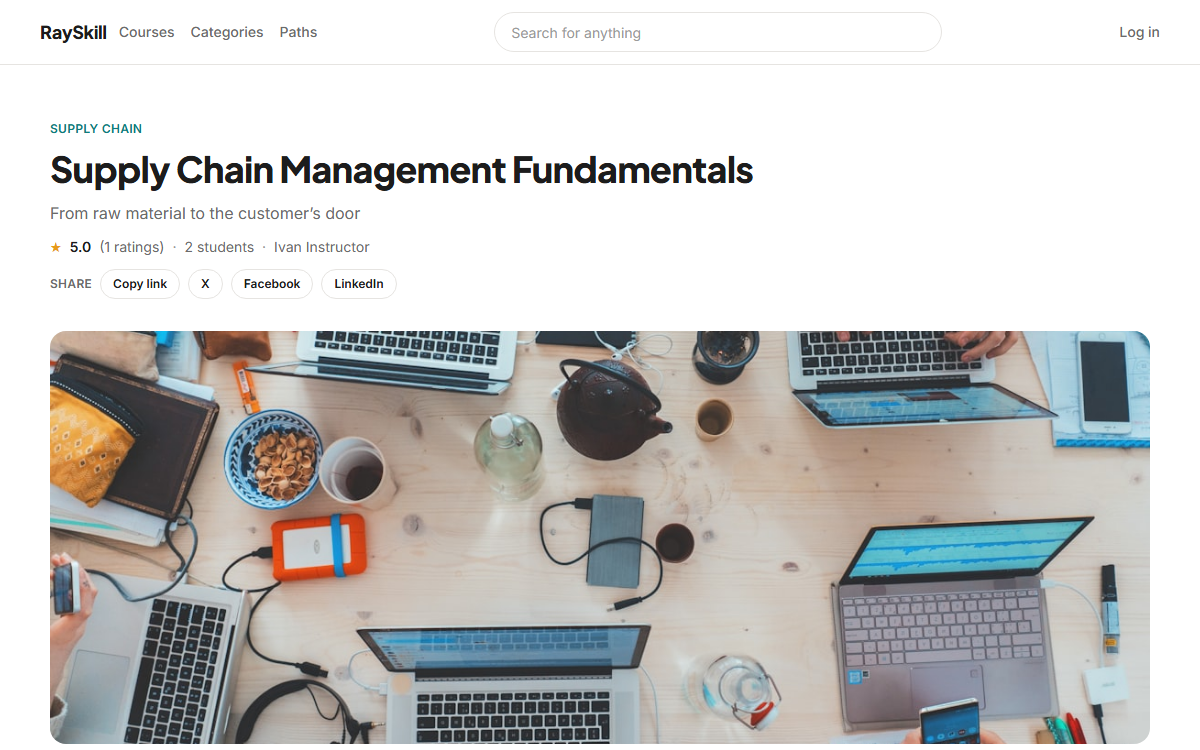
Watch the free preview
Most courses mark a lecture or two as previewable so you can judge the teaching before paying.
Add the course to your cart
You can keep adding courses; the cart total updates as you go. A coupon code can be applied in the cart.
Where you end up: The cart lives at /cart.
Pay at checkout
Checkout is handled by Stripe. Your card details never touch RaySkill.
Where you end up: After a successful payment you are returned to the course, now enrolled.
Free courses skip all of that
A free course has an Enrol button that starts it straight away — no cart, no checkout.
Not what you expected?
You can request a refund from your order history within 30 days of purchase.
Where you end up: Order history is at /orders.
For learners — other guides
- Find a course — Browse the catalogue, then narrow it down by level, rating, language, and price.
- Work through a course — Play lectures, keep your place, take notes, and mark lessons complete.
- Quizzes and practice tests — Short quizzes check a lecture; practice tests rehearse a real, timed exam.
- Certificates and achievements — Finish a course to earn a certificate, and pick up badges along the way.
- Manage your account — Update your profile, choose your language and notifications, and export or delete your data.