Answer questions and post updates
Keep up with Q&A, highlight the best answers, and announce changes.
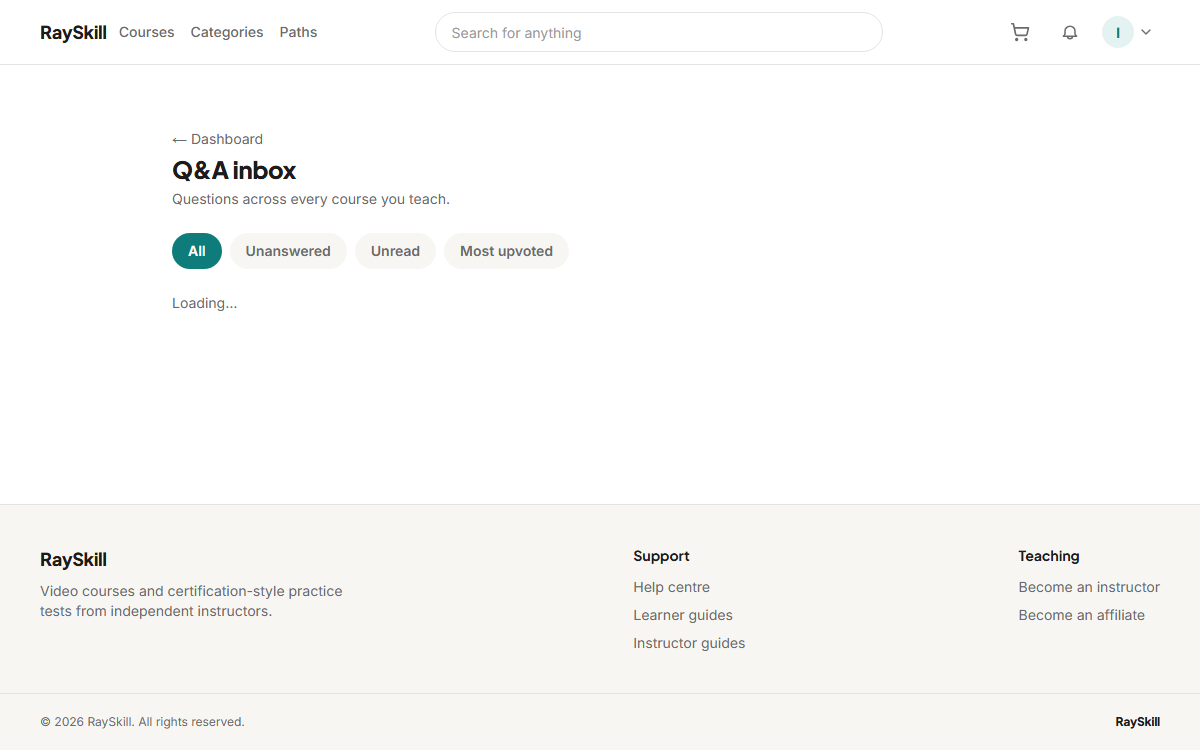
Open the Q&A dashboard
Filter to unanswered questions to see what actually needs you. Each links straight to the lecture it was asked from.
Where you end up: Q&A management is at /instructor/qa.
Mark a Top Answer
Marking the best answer — yours or a learner's — puts it first, so the next person with that question stops reading there.
Post an announcement
Announcements go to everyone enrolled. Use them for new content or corrections, not marketing.
Delegate to a teaching assistant
You can give someone permission to answer Q&A on a specific course without giving them your account.
For instructors — other guides
- Create your first course — Start a draft, then fill in the parts learners see before they buy.
- Build your curriculum — Add sections and lectures — video, articles, quizzes, assignments, practice tests.
- Set your price — Choose a price and currency, add regional prices, and run coupons.
- Publish your course — Pass the checklist, then wait for a short review before it goes live.
- See how your course is doing — Enrollments, revenue, completion, ratings, and which lectures lose people.
- Understand your earnings and payouts — Where your revenue share comes from, and how money reaches you.