Set your price
Choose a price and currency, add regional prices, and run coupons.
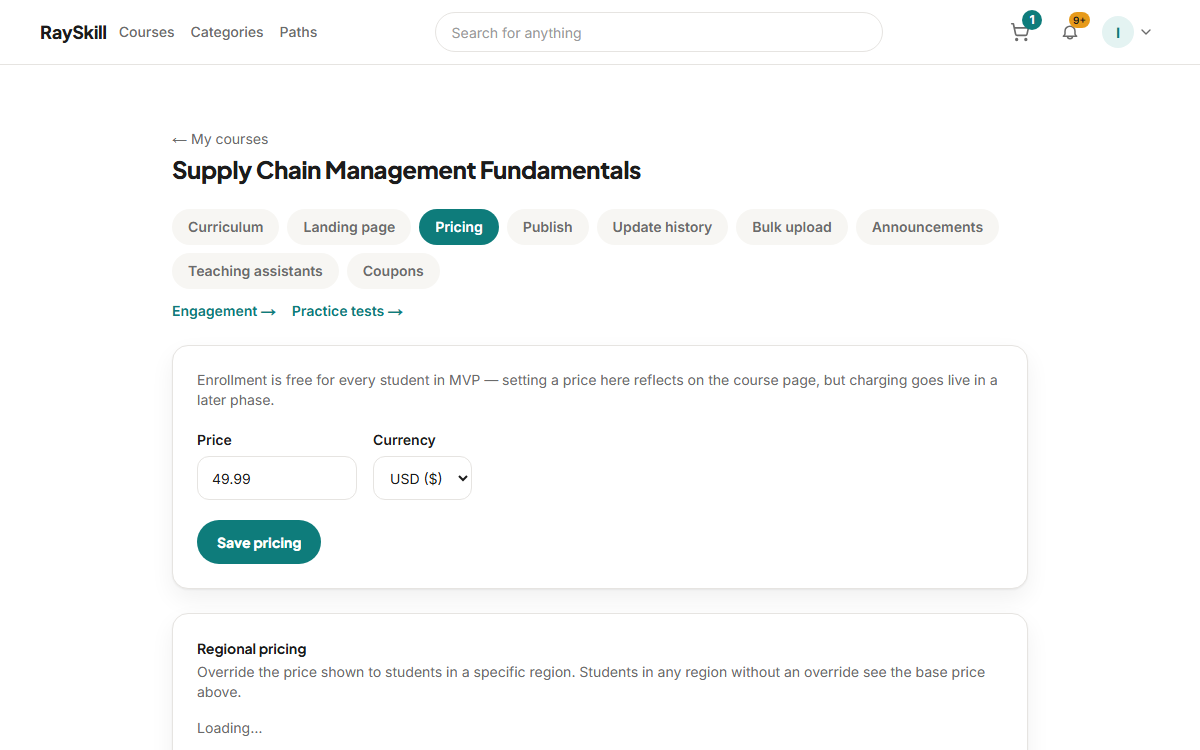
Set a base price and currency on the Pricing tab
Set it to zero to make the course free. Free courses skip checkout entirely for the learner.
Add regional prices if you want
A regional override replaces the base price for learners in that region, so you can price for local purchasing power.
Create a coupon
Coupons can be a percentage or a fixed amount, with an expiry date and a usage limit. Codes are stored uppercase.
Where you end up: Coupons live on their own tab in the course editor.
Check what you will actually receive
Your share depends on how the sale was found — organic, your own referral link, or an affiliate. The Earnings page breaks this down.
For instructors — other guides
- Create your first course — Start a draft, then fill in the parts learners see before they buy.
- Build your curriculum — Add sections and lectures — video, articles, quizzes, assignments, practice tests.
- Publish your course — Pass the checklist, then wait for a short review before it goes live.
- See how your course is doing — Enrollments, revenue, completion, ratings, and which lectures lose people.
- Answer questions and post updates — Keep up with Q&A, highlight the best answers, and announce changes.
- Understand your earnings and payouts — Where your revenue share comes from, and how money reaches you.